 Level Up Makers
If your child has ever said "I want to make my own video game," you've probably wondered where to even start. Real game engines can feel like a lot for a first try. Free apps often turn out to be more about playing than making.
MakeCode Arcade sits in a sweet spot, and it's the tool we chose for our guide.
What it is
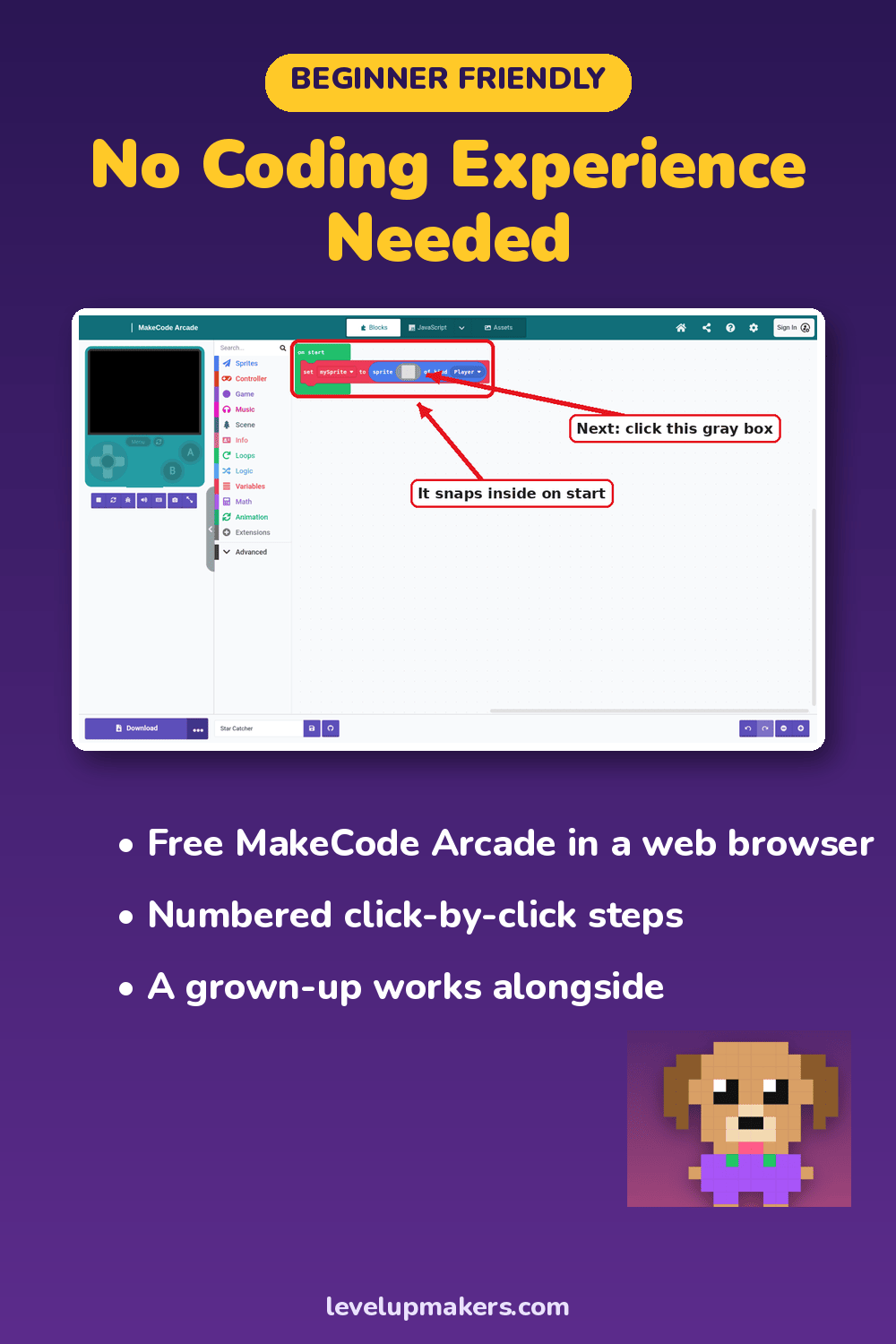
MakeCode Arcade is Microsoft's free game editor. It runs in a web browser at arcade.makecode.com, so there's nothing to install. Your child builds games by snapping colorful blocks together, a bit like puzzle pieces. Each block does one job: move the hero, add gravity, play a sound, keep score.
There's a simulator right next to the blocks. Change something, and the game updates on the screen so your child can play it right away. That quick loop of "try it, see it, fix it" is where a lot of the learning happens.
Why it works for ages 9–13
It's made for making. Students don't just arrange someone else's characters. They draw their own hero, pixel by pixel, in a built-in sprite editor. They paint their own levels with tiles. The game on the screen is theirs.
Blocks keep the focus on ideas. A student who has never typed a line of code can still build loops, gravity, jumping and enemies. Nobody gets stuck on a missing semicolon. The big ideas of how games work come first.
It grows with them. Behind the blocks, MakeCode can also show the same game as JavaScript or Python. A student who's ready for more can peek at the text version of what they built.
Saving is simple. When a grown-up signs in with their own Microsoft or Google account, games save to the cloud automatically. There's also a download button for an extra backup.
Sharing is optional and in your hands. MakeCode can create a link to share a finished game. In our guide, that step waits until the very last level, and it happens only with a grown-up and a short safety checklist.
What you'll need
Not much:
- A computer with a web browser
- A keyboard (a mouse helps)
- Paper and pencils for sketching ideas
That's it. No paid software, no game console and no downloads.
Where a guide helps
MakeCode Arcade has its own tutorials, and they're a fine place to poke around. What a first-time game maker often needs is a clear path: what to build first, what to build next, and how to end up with a finished game instead of ten half-started ones.
That's why we wrote Level Up: Make Your First Game with AI. It walks your child through 10 levels, from drawing a first sprite to a finished, playtested platform game. Each level is a short session with a clear goal, numbered steps and full-color screenshots that show exactly where to click.
Try it free
The easiest way to see if MakeCode Arcade clicks for your child is to try one level together. Level 1 is free on our website. In one sitting, your child invents an original game idea, draws a hero and ends up with a tiny game they can actually play.
If they want to keep going, the full guide is available as a PDF. The paperback is $34.99 on Amazon.
Microsoft and MakeCode are trademarks of the Microsoft group of companies. Level Up Makers is not sponsored or endorsed by Microsoft.
© 2026 Level Up Makers. All rights reserved.