 Level Up Makers
You don't need to know how to code to help your child make their first video game. You just need an afternoon, a computer and a willingness to sit nearby and be the first player.
Here's a simple plan for this weekend.
Before you start (about 10 minutes)
Open MakeCode Arcade. Go to arcade.makecode.com in a web browser. It's free, and there's nothing to install.
Sign in with your account. Use your own Microsoft or Google account, not your child's. That way their games save to the cloud automatically, and you stay in charge of the account.
Grab paper and pencils. The best games often start as a sketch.
Step 1: Start with an idea, not the computer
Ask your child about a game they love. What does it feel like to play? Fast? Sneaky? Brave?
Then encourage them to borrow that feeling, not the character. Instead of copying a famous hero, they invent their own. This one rule keeps the game original and makes it truly theirs.
Step 2: Draw the hero
Let them sketch their hero on paper first, then recreate it in MakeCode's sprite editor. Expect some trial and error. Pixel art is harder than it looks, and that's part of the fun.
Step 3: Make it playable
The goal for day one is small: a hero that moves on the screen. When your child presses an arrow key and their own character responds, that's a big moment. Celebrate it.
Step 4: Be the first player
Play the game. Tell them what you liked. Ask questions instead of giving fixes: "What should happen when I touch that?" You're the playtester, and they're the designer.
A word about AI
Our guide includes "AI Sidekick" prompts, because AI can be a helpful partner for brainstorming ideas and tracking down bugs. But we set it up carefully, and we'd suggest the same rules at home:
Keep AI on your account. Most AI chat services aren't meant for children under 13. ChatGPT, for example, says an adult should do the actual interaction for users under 13. So you type, and you sit together.
Protect personal details. Never give the AI your child's real name, school, town, age or photos.
Your child is the designer. If AI suggests an idea, your child changes it to make it their own.
AI can be wrong. Treat its answers as suggestions, and always test them in the game.
Used this way, AI becomes a sidekick, not a shortcut. Your child still does the thinking, drawing and building.
Don't share yet
MakeCode can create a public link to a game. Hold off for now. Sharing is something to do later, together, after a quick check of privacy and safety. In our guide, it's the very last level.
Want the steps laid out for you?
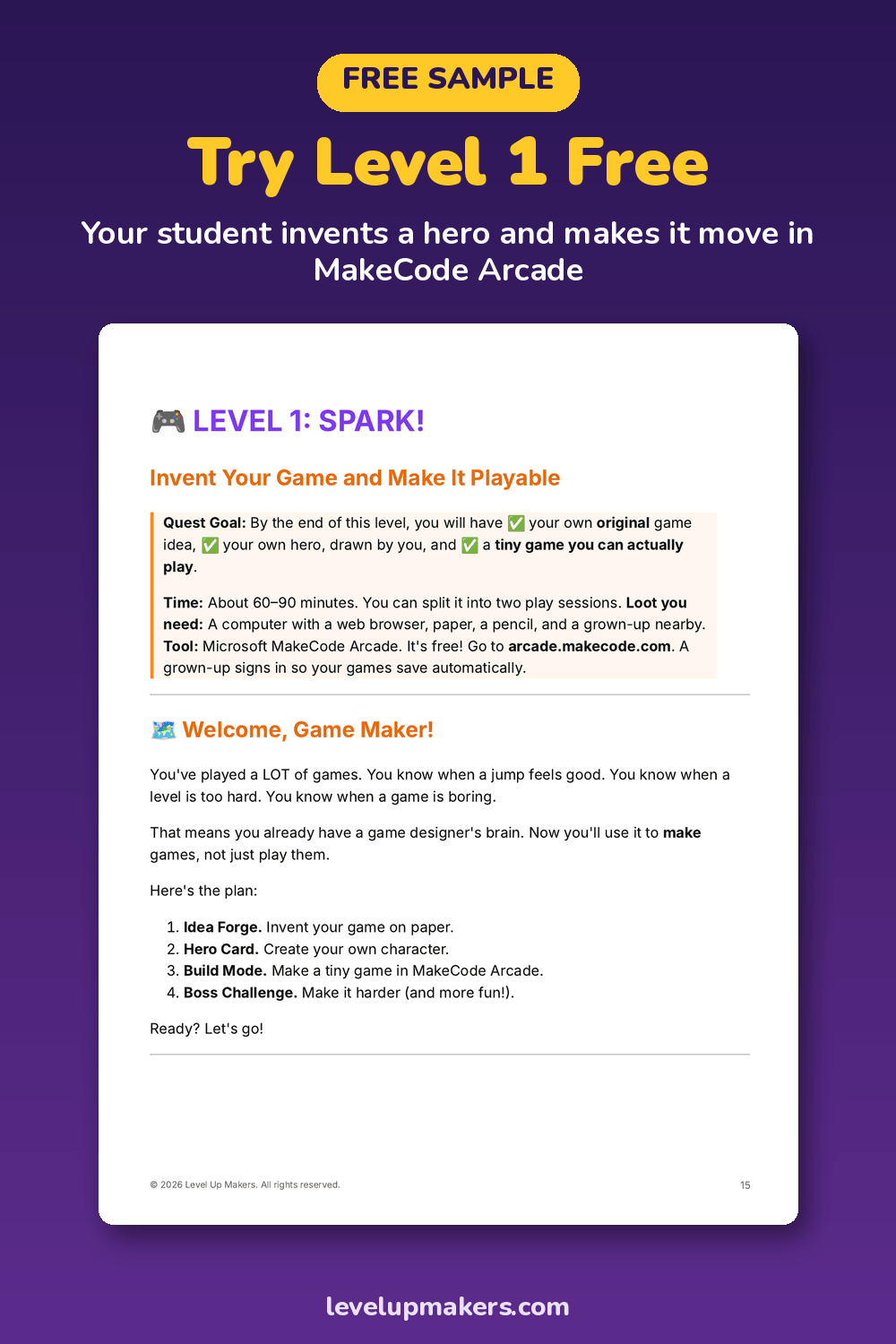
We wrote Level 1 of Level Up: Make Your First Game with AI for exactly this kind of weekend. It walks your child through inventing an idea, drawing a hero and building a tiny playable game, with screenshots and clearly marked grown-up steps. Get the free Level 1 sample here.
If it goes well, the full 10-level guide is available as a PDF. The paperback is $34.99 on Amazon.
© 2026 Level Up Makers. All rights reserved.